
Top 10 Adobe Business Catalyst to Shopify Migration Companies
Adobe Business Catalyst was once used by businesses to manage websites, ecommerce stores, customer data, email marketing, and other online tools from one system.
But the platform belongs to an older chapter of the web.
Adobe announced the end of Business Catalyst and scheduled the platform’s end of life for March 26, 2021. That makes migration especially important for businesses that still have old Business Catalyst websites, exported store data, or legacy systems that need to be rebuilt on a modern ecommerce platform.
For many store owners, Shopify is one of the platforms worth considering.
Shopify gives businesses a managed ecommerce system for products, collections, payments, shipping, customer accounts, themes, apps, marketing tools, and day-to-day store management. It also has official migration tools and guidance for merchants moving from another ecommerce platform.
But Adobe Business Catalyst to Shopify Migration is not simply a matter of copying product names.
Your old site may contain products, SKUs, categories, images, customers, historical orders, content pages, blogs, forms, SEO metadata, URLs, redirects, payment information, and custom functions. Some information may transfer directly. Some may need cleaning. Other features may need to be rebuilt because Business Catalyst and Shopify work differently.
Shopify recommends reviewing all the content and data you want to move before migration. Its current migration process covers products, customers, historical orders, pages, blogs, store design, shipping, taxes, payments, testing, domains, and SEO setup.
That is why choosing the right migration company matters.
Below are the Top 10 Adobe Business Catalyst to Shopify Migration Companies in 2026 to consider if you want to move your legacy ecommerce website while protecting important store information and building a Shopify store that is easier to manage.
Best Adobe Business Catalyst to Shopify Migration Companies in 2026
The companies to consider are:
- CartUnited: Best for focused Adobe Business Catalyst to Shopify migration and ecommerce data transfer
- EbizON: Best for Business Catalyst migration with custom Shopify development and integrations
- Bilal Web Studio: Best for Shopify development, platform migration, and conversion-focused store improvements
- MinimalX: Best for custom software and ecommerce development around complex migration projects
- Webgriffe: Best for custom B2B and B2C ecommerce ecosystems
- TecQify: Best to evaluate for technology-led business and digital platform requirements
- R-Freshd: Best to evaluate carefully for smaller ecommerce requirements
- Idea2App: Best to assess for ecommerce applications and custom digital workflows
- Your Web Dream: Best to evaluate for website and ecommerce migration support
- AIAZ Data: Best to assess for data-focused and technical ecommerce requirements
Competitor company links are intentionally not included in this comparison.
Not every company on this list publicly promotes Adobe Business Catalyst to Shopify migration as a dedicated service. Where direct Business Catalyst migration experience could not be verified, the company is presented as an option to evaluate rather than being described as a proven Business Catalyst specialist.
How We Selected These Adobe Business Catalyst to Shopify Migration Companies
Business Catalyst migration is unusual because the source platform is no longer a current ecommerce system. That changes how a migration should be planned.
The migration company may need to work with an existing legacy site, archived files, database exports, product spreadsheets, customer data, images, old URLs, and custom templates instead of relying on a modern migration connector.
We therefore looked at areas such as:
- Adobe Business Catalyst migration relevance
- Shopify development capability
- Product and collection migration
- Customer and historical order handling
- SEO URL mapping and redirects
- Custom functionality rebuilding
- Store design and theme development
- Third-party integrations
- Migration testing
- Post-launch technical support
The strongest company is not automatically the biggest company. It is the one that can understand what exists in the old Business Catalyst setup and explain how each important part will work after the move to Shopify.
1. CartUnited
Best for Focused Adobe Business Catalyst to Shopify Migration and Safe Store Data Transfer
CartUnited is a strong option for businesses that want focused help moving an old Adobe Business Catalyst website to Shopify. Legacy Business Catalyst sites can contain products, customer records, content, images, old URLs, forms, and ecommerce information that need to be reviewed before anything is transferred. A good migration should separate the data that can be imported from the features that need to be rebuilt inside Shopify. CartUnited is especially relevant when the main goal is platform migration rather than a much larger software transformation. Store owners should also include checkout, navigation, mobile usability, SEO redirects, and post-launch testing in the final migration scope.
- Migration-focused approach: Suitable for businesses moving specifically from an older ecommerce platform to Shopify.
- Store data planning: Products, customers, images, content, and other available Business Catalyst data can be reviewed for migration.
- Shopify setup: The destination store can be structured around products, collections, navigation, and selling requirements.
- SEO migration: Important Business Catalyst URLs and organic landing pages should be mapped before launch.
- Best suited for: Businesses seeking a focused Business Catalyst ecommerce migration partner for Shopify.
Store owners who want to understand the migration process in more detail can review CartUnited’s specialized service for moving legacy Adobe Business Catalyst stores safely to Shopify.
2. EbizON
Best for Complex Business Catalyst Migration With Custom Shopify Development
EbizON is worth considering when the old Business Catalyst website includes custom functionality that cannot simply be imported into Shopify. Some businesses used Business Catalyst for much more than a simple product catalog, so a migration may involve forms, customer workflows, integrations, custom page templates, marketing functions, or business-specific features. In these projects, the team needs to decide which features can use standard Shopify tools, which need apps, and which require custom development. That makes broader Shopify engineering experience important. EbizON may therefore fit businesses that want migration and redevelopment handled as one connected project.
- Custom Shopify development: Useful when the new store needs functionality beyond a standard Shopify setup.
- Migration plus redevelopment: Suitable when the old Business Catalyst site needs both data transfer and technical rebuilding.
- Integration planning: Helpful for businesses connecting Shopify with CRM, ERP, analytics, marketing, or other platforms.
- Store modernization: Gives businesses a chance to improve outdated workflows rather than copying them exactly.
- Best suited for: Growing companies with complex Adobe Business Catalyst to Shopify development requirements.
Before deciding how much of the old platform should be recreated, businesses can explore EbizON’s end-to-end Adobe Business Catalyst store migration and Shopify development service as part of their technical planning.
3. Bilal Web Studio
Best for Shopify Development, Platform Migration, and Conversion-Focused Improvements
Bilal Web Studio is relevant to this shortlist because public information shows Shopify experience alongside website migration and ecommerce development work. Its published capabilities include Shopify development, ecommerce systems, website migration, and conversion-focused services. That makes it interesting for businesses that want the move to Shopify to include improvements to speed, user experience, or conversion performance. However, proven Shopify migration experience should not automatically be treated as proven Adobe Business Catalyst migration experience. Businesses should specifically ask how the team would handle data coming from a discontinued Business Catalyst environment.
- Shopify experience: Public profiles show Shopify among the company’s ecommerce capabilities.
- Website migration: Migration work forms part of the broader service mix.
- Conversion focus: Useful when the new Shopify storefront also needs usability or conversion improvements.
- Business Catalyst expertise to verify: Ask for direct Adobe BC examples or a detailed source-data migration method.
- Best suited for: Stores seeking Shopify migration plus storefront performance improvements.
4. MinimalX
Best for Custom Software Requirements Around a Complex Ecommerce Migration
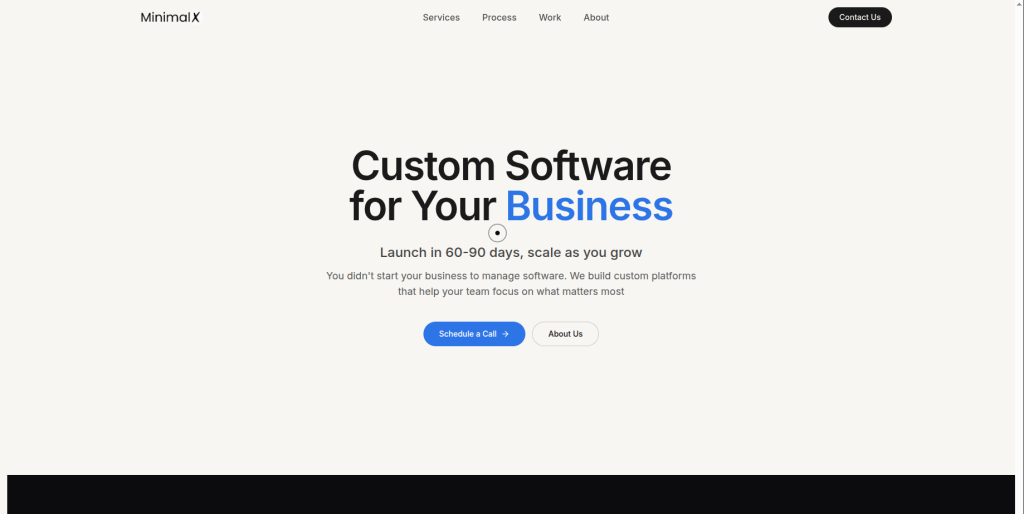 MinimalX presents itself as a custom software, mobile app, and website development company. Its public process includes discovery, planning, development, testing, and launch, which can be useful when a legacy Business Catalyst website contains functions that need to be rebuilt rather than copied. The company also references ecommerce-related work in its portfolio, but direct Business Catalyst to Shopify migration experience is not clearly established from the public information reviewed. That means businesses should use the first discovery stage to test technical fit. A detailed audit of the old site should come before any fixed migration promise.
- Custom software development: Relevant when old Business Catalyst functions require custom replacements.
- Website development: Useful for broader website rebuilding around the Shopify store.
- Structured project process: Public information describes discovery, planning, development, testing, and launch.
- Migration experience to verify: Request direct Shopify and legacy-platform migration examples.
- Best suited for: Businesses with custom software needs alongside an ecommerce platform migration.
5. Webgriffe
Best for Custom B2B and B2C Ecommerce Ecosystems
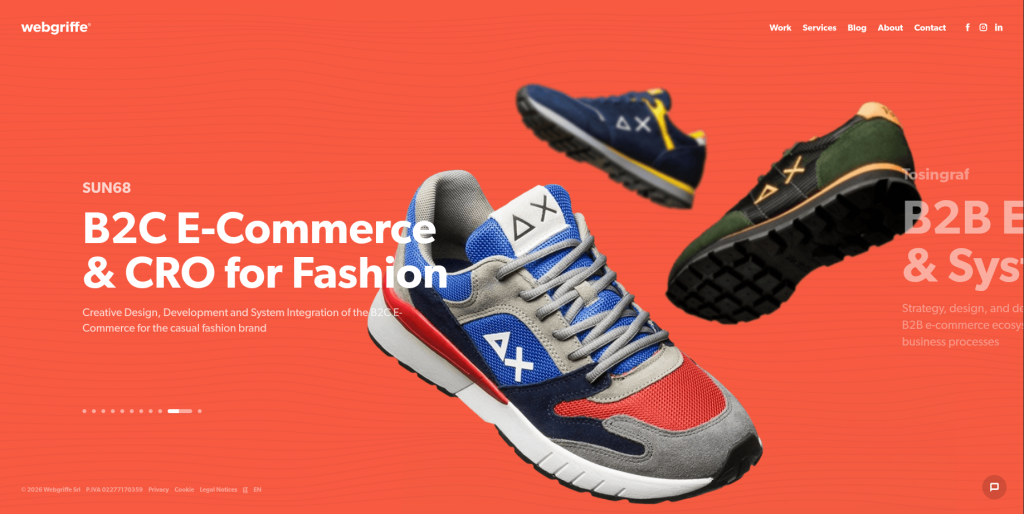
Webgriffe has a clear public focus on ecommerce and says it develops customized B2B and B2C ecommerce solutions. Its work spans strategy, user experience, software development, digital marketing, and broader ecommerce ecosystems. That can make it relevant for larger businesses where moving away from Business Catalyst is not just a data project but part of a wider commerce rebuild. A company may need new customer journeys, integrations, digital strategy, and backend workflows at the same time. Direct Adobe Business Catalyst and Shopify migration experience should still be confirmed before placing Webgriffe on the final shortlist.
- Ecommerce specialization: Public positioning focuses strongly on customized ecommerce projects.
- B2B and B2C capability: Relevant for businesses with more complex selling models.
- Digital strategy: Useful when migration is connected with a wider ecommerce transformation.
- Experience to verify: Ask specifically about Shopify and Adobe Business Catalyst migration work.
- Best suited for: Larger brands planning a custom ecommerce ecosystem rebuild after Business Catalyst.
6. TecQify
Best to Evaluate for Technology-Led Business and Digital Platform Requirements
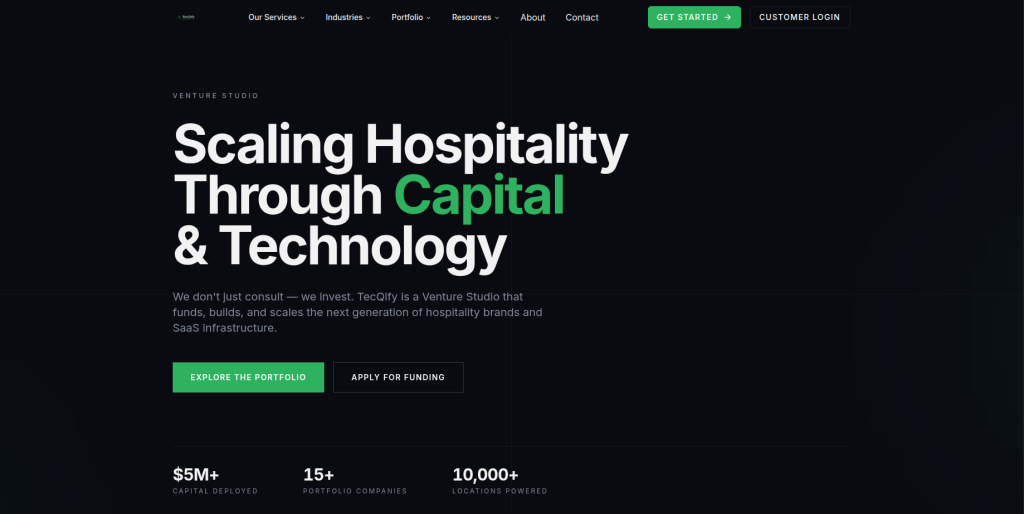
TecQify currently positions itself around technology, venture building, SaaS infrastructure, and growth engineering, with a particular focus on hospitality-related businesses. That is quite different from presenting a dedicated Shopify migration practice. For this reason, businesses should be careful about assuming direct Adobe Business Catalyst migration expertise based only on broad technology capabilities. TecQify may make sense where a commerce project overlaps with custom software, automation, SaaS, or growth technology. For a straightforward Business Catalyst store migration, buyers should first verify Shopify development and migration experience.
- Technology-led approach: Relevant for projects that extend beyond a normal ecommerce storefront.
- Custom infrastructure: May be useful where commerce connects with business-specific technology.
- Growth engineering: Public services include digital growth and technology work.
- Shopify experience to verify: Request direct proof of Shopify migrations and ecommerce store delivery.
- Best suited for: Businesses exploring technology-heavy commerce projects rather than simple data migration.
7. R-Freshd
Best to Evaluate Carefully for Smaller Ecommerce Store Requirements
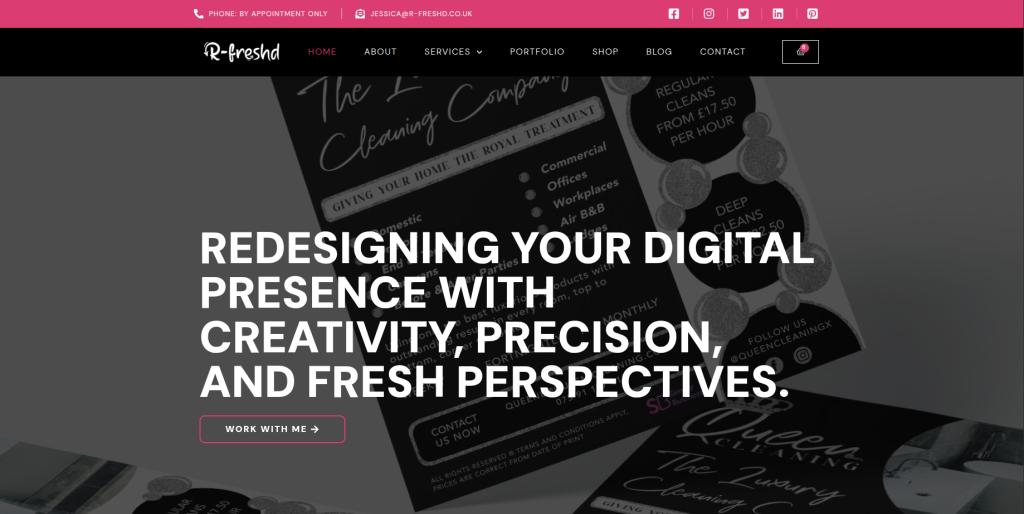
R-Freshd should be approached differently from agencies with clearly documented migration practices. Public search results reviewed for this article did not provide strong evidence of a dedicated Adobe Business Catalyst or Shopify migration service. That does not automatically rule the company out, but it does mean buyers should avoid making assumptions based on a general web presence. Ask for direct ecommerce development references, Shopify projects, migration methodology, and technical capacity before including the company in a serious shortlist. For a legacy platform migration, evidence matters far more than broad marketing claims.
- Direct evidence needed: Request Shopify development and ecommerce migration case studies.
- Migration method: Ask how legacy Business Catalyst data would be extracted and transformed.
- Technical coverage: Confirm responsibility for data, design, QA, SEO, and launch.
- Post-launch support: Establish who handles migration errors after the Shopify store goes live.
- Best suited for: Businesses willing to complete detailed technical due diligence before hiring.
8. Idea2App
Best to Assess for Ecommerce Applications and Custom Digital Workflows

Idea2App has public-facing ecommerce technology that includes products, categories, orders, customers, payments, shipping, and business management features. That suggests familiarity with ecommerce workflows and the type of data relationships that matter when rebuilding an online selling system. However, ecommerce application experience and Adobe Business Catalyst to Shopify migration experience are not the same thing. Businesses should ask for evidence of Shopify development and platform-to-platform migration work before making a decision. It may be most relevant when the new commerce experience needs additional applications or custom operational tools.
- Ecommerce workflow knowledge: Public products involve catalog, order, customer, and payment management.
- Custom application potential: Useful when Shopify needs to connect with a wider digital product.
- Business process understanding: Relevant when the old site contains operational workflows.
- Migration expertise to verify: Ask for direct Shopify and legacy ecommerce migration examples.
- Best suited for: Businesses combining Shopify migration with custom ecommerce application requirements.
9. Your Web Dream
Best to Evaluate for Website Rebuilding and Shopify Migration Support
Your Web Dream is another provider that should be evaluated against the exact needs of the legacy site rather than assumed to be a Business Catalyst specialist. A company moving from Adobe Business Catalyst may need a new storefront, redesigned content pages, product migration, customer data handling, and SEO redirects at the same time. Before hiring, ask for recent Shopify examples and a written plan for dealing with Business Catalyst source files or exported data. The provider should also explain what can be migrated automatically and what needs manual recreation. Clear answers at the discovery stage can prevent surprises later.
- Website rebuilding: Potentially relevant when the existing Business Catalyst design needs replacement.
- Shopify capability to verify: Ask for current Shopify store examples.
- Data migration planning: Confirm how products, customers, content, and media would move.
- SEO responsibility: Require a clear plan for old URLs, redirects, and important organic pages.
- Best suited for: Businesses comparing website development partners for a legacy ecommerce move.
10. AIAZ Data
Best to Assess for Data-Focused and Technical Ecommerce Requirements
 AIAZ Data rounds out this list as a company to investigate where the migration includes a strong data component. Business Catalyst projects can be difficult when years of store information exist across exported files, databases, spreadsheets, images, and older content structures. A data-aware migration partner should be able to explain how records will be cleaned, matched, transformed, imported, and checked after migration. Public evidence of a dedicated Adobe Business Catalyst to Shopify service was not clearly established during research for this article. Businesses should therefore request technical proof before placing AIAZ Data on the final shortlist.
- Data-first evaluation: Useful when cleaning and transforming legacy records is a major part of the migration.
- Source-data review: Ask how Business Catalyst exports and archived information would be handled.
- Shopify mapping: Confirm how legacy fields would map to Shopify products, customers, and other records.
- Experience to verify: Request ecommerce migration and Shopify case studies.
- Best suited for: Businesses with data-heavy legacy ecommerce migration requirements.
Why Businesses Still Migrate From Adobe Business Catalyst
Adobe Business Catalyst is different from an ecommerce platform that is simply old but still active.
Adobe announced the platform’s end of life years ago, with the shutdown scheduled for March 26, 2021.
That means a business dealing with Business Catalyst today may be working with archived site files, exported information, backups, an old rebuilt version of the site, or a website that was partially migrated in the past.
There are several reasons to complete the move to a current ecommerce system:
- Move away from discontinued technology
- Simplify day-to-day ecommerce management
- Get access to current integrations
- Use modern Shopify themes
- Improve mobile shopping
- Reduce dependence on old custom code
- Use current payment options
- Connect modern marketing tools
- Improve store maintenance
- Create a stronger base for future growth
The migration can also be a good time to clean up old information.
Not every old product needs to come across. Not every page deserves to survive. Some outdated content may have no traffic, no backlinks, no customers, and no business value.
The goal should be to protect what matters, improve what needs work, and leave unnecessary legacy problems behind.
What Should Be Migrated From Adobe Business Catalyst to Shopify?
Every Business Catalyst website is different.
Some were mainly content sites. Others used ecommerce, customer databases, email marketing, forms, blogs, secure zones, or custom integrations.
Your migration inventory may include:
- Products
- SKUs
- Product descriptions
- Prices
- Images
- Product categories
- Customer information
- Historical orders
- Discount information
- Content pages
- Blog posts
- Forms
- Downloadable files
- SEO titles
- Meta descriptions
- Old URLs
- Pages with backlinks
- Custom scripts
- Analytics tags
- Third-party integrations
Do not assume everything can be imported through a single spreadsheet.
Shopify’s current migration guidance explains that different types of information can require different methods. Products can often use CSV files or migration tools, while customers and historical orders have their own options. Shopify also recommends importing products before customers and historical orders so related records can connect properly.
For larger product catalogs, Shopify provides official guidance on importing products through CSV files. That can be useful when a Business Catalyst export needs to be cleaned and reshaped before it enters the new store.
How to Choose the Best Adobe Business Catalyst to Shopify Migration Company
A discontinued source platform creates extra migration risk.
The company you hire needs to understand what information still exists, where it is stored, and what can realistically be rebuilt in Shopify.
1. Start With a Business Catalyst Audit
Do not start the project by asking, “How much does migration cost?”
Start by asking, “What exactly do we have?”
The audit should identify:
- Products
- Customers
- Orders
- Pages
- Blogs
- Images
- Forms
- Old URLs
- SEO metadata
- Custom scripts
- Third-party tools
- Business-critical functions
If the old Business Catalyst website is no longer live, the company should also check what backups, exports, databases, and archived assets are available.
Without that information, a fixed migration quote is mostly a guess.
2. Decide What Will Migrate and What Will Be Rebuilt
Business Catalyst and Shopify are different systems.
Trying to reproduce every old feature exactly can make the project slower and more expensive than necessary.
Create simple categories:
Migrate: Information that should move into Shopify.
Rebuild: Features that are still important but need a new Shopify implementation.
Replace: Old functions that can be handled better through Shopify or a suitable app.
Remove: Old content or functionality that is no longer useful.
Review: Anything the team cannot classify until technical discovery is complete.
This simple exercise keeps legacy clutter from following you into the new store.
3. Protect SEO With Proper Redirects
Old URLs are one of the most important parts of a platform migration.
Your Business Catalyst site may have product pages, category pages, blog posts, landing pages, or other URLs that still have backlinks or search history.
When those URLs change, the migration company should map important old addresses to the closest matching Shopify pages.
Shopify’s current guidance says merchants should create redirects for important pages so visitors arriving through old links reach the new destination rather than an error page. Shopify also lets merchants create and manage URL redirects inside the admin.
Your SEO migration plan should include:
- Old URL crawl or inventory
- New Shopify URL mapping
- 301 redirects
- Page title review
- Meta description review
- Internal link updates
- Canonical checks
- Image checks
- XML sitemap review
- Analytics setup
- Search Console monitoring
- Post-launch 404 checks
Do not redirect every old page to the homepage.
Send users to the closest useful new page whenever possible.
4. Plan Product, Customer, and Order Migration Carefully
Store data has relationships.
An order may be connected to both a product and a customer. A product may use several images, variants, or categories. Customer information may contain addresses or other fields that need different handling in Shopify.
Shopify specifically advises merchants to import products first, then customers, and then historical orders so the records can connect correctly.
That is a small detail, but it shows why migration sequence matters.
Your provider should clearly explain:
- Which data can be imported
- Which fields need transformation
- Which information cannot move directly
- How duplicate data will be handled
- How historical orders will be treated
- How customer accounts will work
- How missing data will be reported
- How imported records will be tested
You should receive a migration report or validation process, not simply a message saying that the import finished.
5. Rebuild the Shopify Store for Today’s Customers
A Business Catalyst design may have been created many years ago.
There is little value in moving to a new platform while preserving every old design limitation.
The migration is a chance to improve:
- Homepage structure
- Navigation
- Collections
- Product pages
- Mobile usability
- Search
- Cart experience
- Calls to action
- Trust signals
- Brand consistency
- Content readability
Keep the experience simple.
Customers should understand what you sell, find products quickly, and reach checkout without getting lost.
The goal is not to make the site look complicated. The goal is to make shopping easier.
6. Configure Payments, Shipping, Taxes, and Checkout
Moving products does not create a working ecommerce store.
The new Shopify environment also needs operational setup.
Shopify’s official migration guide includes configuring shipping, taxes, payment providers, checkout settings, and test transactions before launch.
Your migration team should review:
- Payment gateways
- Shipping methods
- Shipping rates
- Tax settings
- Checkout configuration
- Order emails
- Discounts
- Policies
- Customer account settings
- Order fulfillment
- Inventory
- Notifications
Then place test orders.
Test successful payments and failed payments. Test refunds. Test order emails. Test shipping calculations. Test mobile checkout.
It is much better to find a checkout problem yourself than to let your first customer find it.
7. Test Everything Before Going Live
A migration should include a proper QA stage.
Shopify’s current migration checklist tells merchants to verify imported data, configure store settings, create redirects, and test the new environment before launch.
Your QA checklist should cover:
- Product names
- Prices
- Images
- Variants
- Collections
- Navigation
- Search
- Customer information
- Cart
- Checkout
- Payments
- Shipping
- Taxes
- Forms
- Emails
- Mobile layouts
- Analytics
- Marketing pixels
- Redirects
- Important SEO pages
Do not test only the homepage.
Walk through the store like a real customer.
Search for a product. Add it to cart. Change the quantity. Create an account. Use a discount. Complete checkout. Read the email.
Small tests catch big problems.
8. Ask About Post-Launch Support
The first few days after launch matter.
Real customers often behave in ways a development team did not expect.
A migration provider should have a plan for checking:
- 404 errors
- Broken redirects
- Missing images
- Incorrect prices
- Product issues
- Mobile bugs
- Checkout errors
- Payment failures
- Tracking problems
- App conflicts
- Search Console issues
- Analytics problems
Ask how long post-launch support lasts.
Also ask what counts as a migration bug and what counts as new development.
That should be clear before launch day, not after a problem appears.
Best Adobe Business Catalyst to Shopify Migration Company by Business Need
If your main goal is a focused Adobe Business Catalyst to Shopify migration, start by evaluating CartUnited.
If the project requires migration plus custom Shopify development, integrations, or complex feature rebuilding, consider EbizON.
If Shopify migration experience and conversion-focused development are important, Bilal Web Studio may also be worth evaluating, although Business Catalyst-specific expertise should be confirmed.
For broader custom software work, MinimalX may fit projects where migration is one part of a larger technical rebuild.
For larger B2B or B2C commerce transformation, Webgriffe may be relevant because of its broader ecommerce focus.
The remaining providers should be shortlisted only after checking their Shopify experience, source-data migration process, SEO plan, QA approach, and post-launch support.
A good-looking proposal is not enough.
You need to know exactly how the old store will become the new store.
FAQs
1. What is Adobe Business Catalyst to Shopify Migration?
Adobe Business Catalyst to Shopify Migration is the process of moving an old Business Catalyst website or ecommerce store to Shopify. The project may include products, customer information, orders, images, content pages, blogs, metadata, URLs, forms, and other business information. Because Adobe Business Catalyst is discontinued, the migration may rely on archived data or exported files rather than a live platform connection.
2. Is Adobe Business Catalyst still active?
Adobe announced the end of Business Catalyst and extended its end-of-life date to March 26, 2021. Businesses still dealing with Business Catalyst today generally need to work from previously migrated websites, exports, backups, archived files, or legacy assets rather than treat Business Catalyst as a current ecommerce platform.
3. Can I move Adobe Business Catalyst products to Shopify?
Yes, product information can often be moved if usable source data is available. Product names, descriptions, prices, images, SKUs, and other information may need to be cleaned and converted into a structure Shopify can import. Shopify supports product imports using CSV files and other migration methods. Custom Business Catalyst product fields may require additional mapping.
4. Can Business Catalyst customer data be migrated to Shopify?
Customer information may be migrated when suitable source data is available. The exact fields that can be moved depend on what was stored in Business Catalyst and what exists in your export or backup. Your migration company should compare the old customer fields with Shopify’s customer structure before migration begins.
5. Can historical orders be moved from Business Catalyst to Shopify?
Historical orders may be migrated, but the method depends on the source data and migration tools being used. Shopify supports migration approaches for historical orders, including apps and APIs. Products and customers should generally be imported before historical orders so related records can connect correctly.
6. Will Business Catalyst to Shopify migration affect SEO?
It can if URLs change without proper planning. The migration should include an inventory of valuable old pages, mapping to new Shopify URLs, redirects, metadata checks, internal link updates, sitemap review, analytics, and post-launch monitoring. Important old links should not simply lead to 404 pages after migration.
7. How long does Adobe Business Catalyst to Shopify migration take?
The timeline depends on what information is still available and how complex the old website was. A small product catalog with clean exports may be much easier than a large Business Catalyst site containing custom functions, customer data, historical orders, forms, content, integrations, and thousands of URLs. A technical audit should happen before a reliable timeline is promised.
8. Can custom Business Catalyst features be recreated in Shopify?
Many features can be rebuilt, replaced, or redesigned, but there may not be a direct Shopify replacement for every Business Catalyst function. Some needs can use Shopify’s native tools, others may use apps, integrations, or custom development. Review each important feature individually instead of assuming that everything can be copied.
9. What should I test after moving Business Catalyst to Shopify?
Test products, prices, images, collections, navigation, customer information, search, cart, checkout, payments, shipping, taxes, discounts, forms, email notifications, mobile layouts, analytics, marketing tracking, integrations, and redirects. Also check old high-traffic URLs to confirm that they reach the correct Shopify pages.
10. Which is the best Adobe Business Catalyst to Shopify migration company?
There is no single provider that is best for every project. CartUnited is a strong place to start when you want a migration-focused service. EbizON is worth considering when the project also includes custom Shopify development or integrations. Other providers should be compared based on proven Shopify experience, Business Catalyst knowledge, migration methodology, SEO planning, testing, and post-launch support.
Conclusion
Moving away from Adobe Business Catalyst is different from a normal platform upgrade.
Business Catalyst reached its planned end-of-life date years ago, which means businesses working with it today are often dealing with legacy information, old exports, archived websites, and custom functionality.
That makes planning important.
A successful Adobe Business Catalyst to Shopify Migration should protect useful data while giving the business a cleaner platform for the future.
Products need to be moved correctly. Customers and historical orders need careful handling. Important URLs need redirects. Old features need to be reviewed. Payments, shipping, checkout, analytics, and mobile usability need to be tested.
Shopify provides several official migration paths, including CSV imports, migration tools, APIs, and Shopify Partner support. The right method depends on the amount and complexity of the information being moved.
For businesses that mainly need a focused migration partner, CartUnited is a strong option to evaluate.
For stores that require migration together with custom Shopify development, integrations, or more complex technical work, EbizON is another option to consider.
Whatever company you choose, ask for a clear migration inventory before development begins.
Know what will move. Know what will be rebuilt. Know what will be removed. Know how SEO will be protected. Know how the new Shopify store will be tested.
That is how you turn an old Business Catalyst website into a Shopify store that is simpler to manage and ready for the next stage of your business.