
Top 10 Drupal Commerce to Shopify Migration Companies
Why Drupal Commerce to Shopify Migration Needs Careful Planning
Drupal Commerce can be a powerful ecommerce system. It gives businesses a lot of control over products, content, checkout flows, integrations, and custom store features.
That flexibility can also make migration more complicated.
A Drupal Commerce store may have custom product fields, variations, product displays, payment rules, customer information, integrations, and custom code. The official Drupal Commerce documentation shows how the platform covers configuration, architecture, development, and other technical areas.
Shopify works differently.
When moving to Shopify, you need to decide how the existing Drupal Commerce structure will fit into Shopify products, variants, collections, customers, orders, pages, apps, and other store features.
That is why Drupal Commerce to Shopify Migration is more than exporting products and importing a CSV file.
You need to protect the parts of the store that already work while building a Shopify store that is easier for your team to manage.
Shopify’s official guide to migrating an ecommerce store to Shopify recommends importing store content and data, checking products after import, setting up the storefront, configuring shipping and taxes, and completing the rest of the store setup before launch.
A good migration company should help you handle all of these steps without making the process harder than it needs to be.
Below are 10 Drupal Commerce to Shopify migration companies and development partners to consider in 2026.
Top Drupal Commerce to Shopify Migration Companies in 2026
- CartUnited
- EbizON Digital
- Fishbones Digital
- Indigo Foundry
- Fratello Software House
- Baas & Baas
- Webbio
- Die NEOs
- Onlines
- Dot Nine Solutions
Not every company on this list publicly promotes a dedicated Drupal Commerce to Shopify migration service. Where direct experience could not be verified from public information, we have clearly mentioned what you should check before hiring them.
How We Evaluated Drupal Commerce to Shopify Migration Companies
A migration company should be able to do more than build a nice Shopify theme.
The team needs to understand how your existing store works and what must survive the move.
We considered areas such as:
- Drupal and ecommerce development knowledge
- Shopify or ecommerce platform experience
- Product and variation migration planning
- Customer and order data handling
- Custom development capability
- Third-party integrations
- SEO migration planning
- URL redirects
- Store design and UX
- Testing and quality assurance
- Post-launch technical support
The most important factor is still your own store.
A simple Drupal Commerce shop and a heavily customized store with ERP connections, custom checkout rules, multiple currencies, thousands of products, and years of order data are completely different migration projects.
1. CartUnited
Focused Ecommerce Migration Support for Moving Complex Stores to a New Platform
CartUnited is a migration-focused option to consider when your main goal is moving an existing ecommerce store to a more manageable platform. A Drupal Commerce project may involve products, variants, categories, customers, images, URLs, integrations, and custom features that need careful mapping before anything is moved. The migration should also consider what should be transferred, rebuilt, replaced, or removed. This makes a structured discovery process important before Shopify development begins. CartUnited can be considered when you want migration planning and ecommerce development to work together.
- Migration planning: Helps define what needs to move before development begins.
- Product data: Product information, images, categories, and variations should be mapped carefully.
- Store rebuilding: Existing Drupal Commerce features can be reviewed against Shopify functionality.
- SEO planning: URLs, metadata, internal links, and important landing pages should be considered before launch.
- Best suited for: Businesses looking for a structured Drupal Commerce store replatforming process.
Before the project starts, it is useful to review the wider ecommerce and CMS migration approach for businesses moving away from an existing platform and build a complete migration inventory.
2. EbizON Digital
End-to-End Ecommerce Replatforming for Stores With Custom Shopify Requirements
EbizON Digital is worth considering when the migration is more than a basic data transfer. A customized Drupal Commerce store may contain business logic, integrations, unusual product structures, content, and customer workflows that need to be understood before rebuilding them on Shopify. The new store may also need custom development, design changes, performance improvements, analytics, and third-party integrations. This makes a broader ecommerce development team useful for more involved projects. Businesses should define their must-have features before deciding how much of the old store should be recreated.
- Ecommerce development: Useful when migration and new-store development need to happen together.
- Custom requirements: Relevant for stores with business-specific Drupal Commerce functionality.
- Integration planning: Existing connections with marketing, ERP, CRM, payment, and other systems can be reviewed.
- Shopify readiness: The new store should be planned around Shopify rather than simply copying the old architecture.
- Best suited for: Growing businesses with custom ecommerce migration and redevelopment requirements.
Businesses planning a larger platform change can also review EbizON’s broader CMS migration and redevelopment capabilities for complex website projects when comparing the technical scope required for their project.
3. Fishbones Digital
A Digital Development Partner to Evaluate for Drupal Commerce Replatforming
Fishbones Digital is one of the companies supplied for this comparison, but businesses should verify its current Drupal Commerce and Shopify migration experience directly before selecting it for this specific project. This is especially important when the source store contains custom modules, unusual product structures, integrations, or years of ecommerce data. Ask the team to review the existing Drupal Commerce setup before giving you a final migration plan. The discovery stage should identify technical risks and data relationships. A detailed test migration can then show whether the proposed approach works before the live store is changed.
- Experience check: Request recent Drupal Commerce and Shopify examples.
- Technical discovery: Ask for an audit of your existing ecommerce setup.
- Data planning: Confirm how products, variations, customers, orders, and content would be handled.
- Testing: Ask whether a test migration will happen before the final move.
- Best suited for: Businesses willing to validate platform-specific migration experience before hiring.
4. Indigo Foundry
Custom Web Development for Businesses Planning a Wider Store Modernization
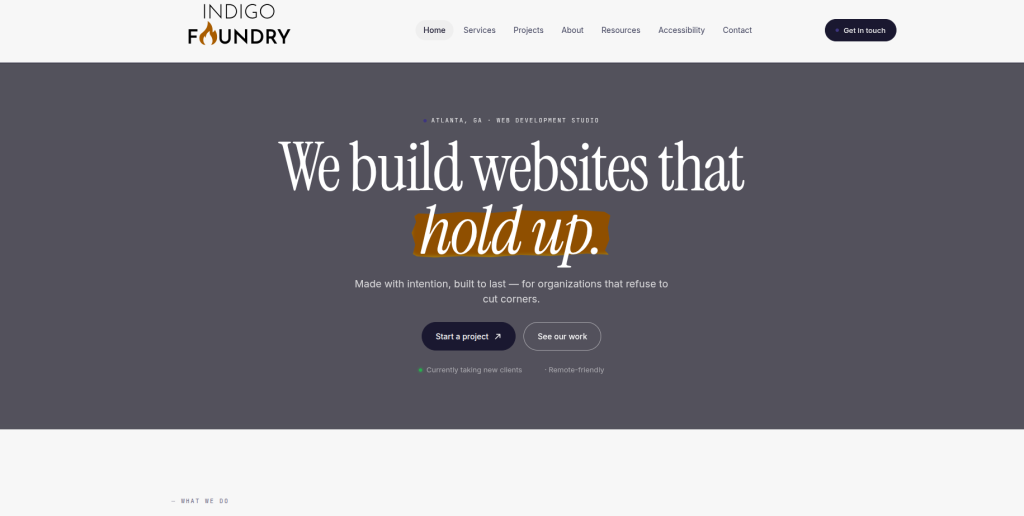
Indigo Foundry is a boutique web development studio offering custom website development, redesign, modernization, performance work, accessibility, and ongoing support. Its public process covers discovery, design, development, launch, and post-launch assistance. That broader web-development approach can be useful when migration also involves rebuilding the customer-facing experience. However, its public material reviewed for this article does not establish dedicated Drupal Commerce to Shopify migration expertise. Businesses should therefore verify both platforms before considering it for a commerce replatforming project.
- Custom development: Public services include custom website design and development.
- Modernization: Relevant when an old store also needs a broader website refresh.
- Performance: Its services include performance-focused development.
- Experience to verify: Ask specifically for Shopify and Drupal Commerce migration examples.
- Best suited for: Businesses combining website modernization with a carefully scoped ecommerce project.
5. Fratello Software House
Custom Software Development for Integration-Heavy Ecommerce Projects

Fratello Software House publicly describes its work around custom software, web and mobile applications, UI/UX, AI, and IoT solutions. That technical background can be useful when an ecommerce store has requirements extending beyond the storefront itself. For example, a Drupal Commerce store may exchange information with internal systems or use custom business processes that need a new solution after migration. Public information reviewed for this article does not confirm dedicated Drupal Commerce to Shopify migration specialization. Businesses should therefore request relevant ecommerce and Shopify examples before moving forward.
- Custom software: Useful when the migration involves business-specific applications or workflows.
- Web development: Relevant for projects requiring broader development work.
- UI/UX capabilities: Can matter when migration also includes customer-experience changes.
- Experience to verify: Confirm direct Shopify and Drupal Commerce delivery experience.
- Best suited for: Businesses with custom software requirements around an ecommerce replatforming project.
6. Baas & Baas
Ecommerce Marketing and Shopify Knowledge for Growth-Focused Store Projects

Baas & Baas has a clear public focus on ecommerce marketing and digital growth. Its ecommerce material discusses SEO, advertising, branding, content, email, sales funnels, and conversion optimization. The company also says it works with ecommerce tools including Shopify, WooCommerce, Klaviyo, Channable, and GA4. This can be useful when a platform change is connected with a wider plan to improve customer acquisition and retention. However, businesses should separately confirm direct Drupal Commerce migration and technical data-transfer experience before selecting the company for the migration itself.
- Shopify exposure: Public material specifically mentions Shopify among its ecommerce tools.
- Ecommerce marketing: Covers SEO, content, email, advertising, and conversion.
- Growth planning: Relevant when migration is connected with wider ecommerce growth goals.
- Experience to verify: Ask for direct Drupal Commerce migration and complex data-transfer examples.
- Best suited for: Ecommerce brands combining store changes with marketing and growth optimization.
7. Webbio
Data Integration and Full-Stack Expertise for Technically Complex Platform Projects
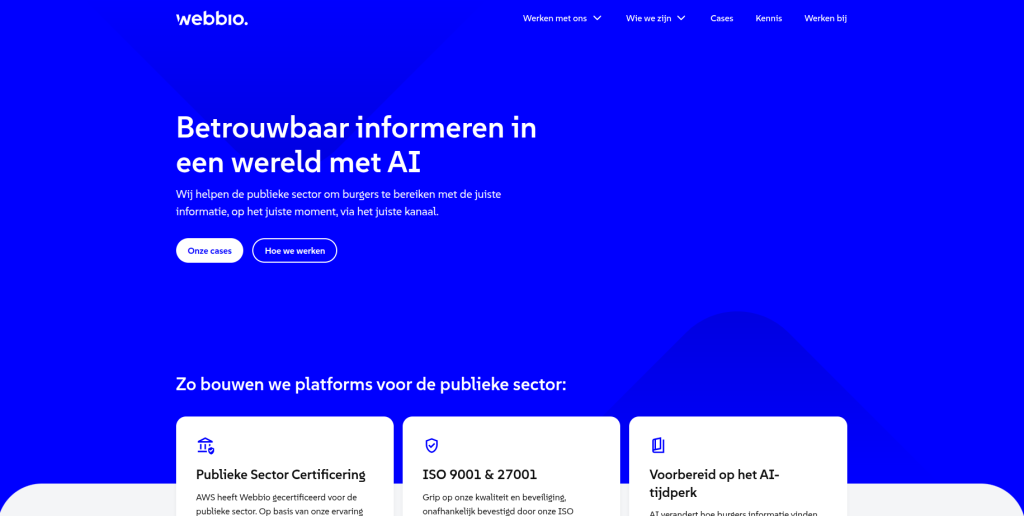
Webbio focuses strongly on digital products, full-stack development, UX/UI, JavaScript, data integrations, analytics, and cloud services. Its public case studies include multi-CMS environments, secure portals, high-traffic platforms, headless CMS work, and a B2B ordering portal. Webbio also highlights experience with safely extracting, storing, and transferring information between systems. These are useful technical skills for complex platform projects. Still, businesses should verify direct Shopify and Drupal Commerce migration experience because its current public positioning is broader than ecommerce replatforming.
- Data integrations: Publicly highlights experience moving information safely between systems.
- Full-stack development: Relevant when a migration involves custom technical requirements.
- UX/UI: Useful if the storefront experience also needs redevelopment.
- Experience to verify: Confirm Shopify implementation and Drupal Commerce migration experience.
- Best suited for: Businesses with complex data, integration, or custom platform requirements.
8. Die NEOs
Website Development and SEO Support for Migration-Led Digital Projects
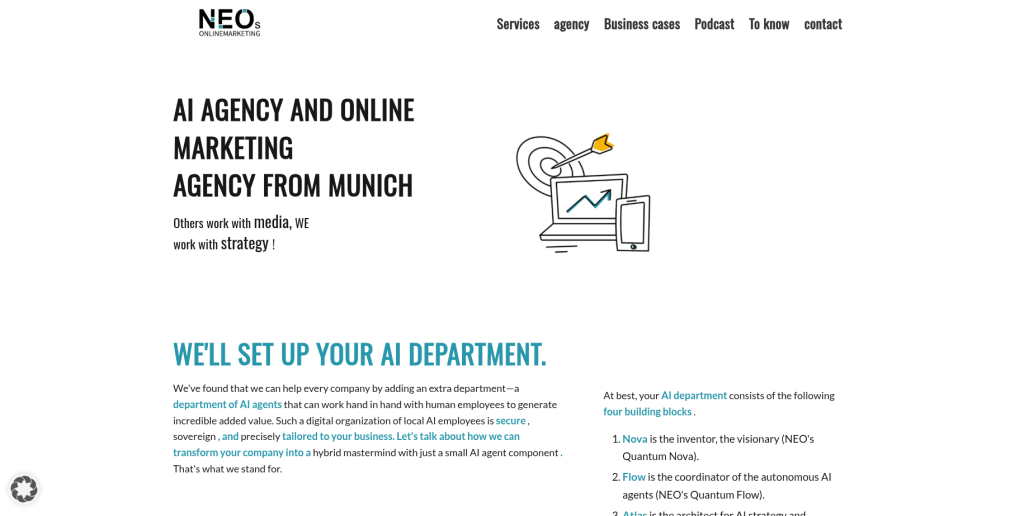
Die NEOs is a Munich-based agency working across web development, online marketing, SEO, content, and digital strategy. Its website-development process includes analysis, planning, technical implementation, launch, and ongoing tuning. The agency also emphasizes SEO-friendly site structures, performance, mobile usability, security, backups, and testing. Those skills can be relevant during a website migration because technical and search issues need attention before and after launch. Direct Drupal Commerce to Shopify migration experience should still be verified before treating the company as a platform specialist.
- Web development: Offers website development and longer-term technical support.
- SEO knowledge: Relevant for protecting search visibility during major site changes.
- Testing and maintenance: Public services include backups, updates, monitoring, and functional testing.
- Experience to verify: Ask for Drupal Commerce and Shopify-specific projects.
- Best suited for: Businesses wanting web development and SEO knowledge around a platform change.
9. Onlines
Custom Website Development for Businesses Planning a New Digital Experience
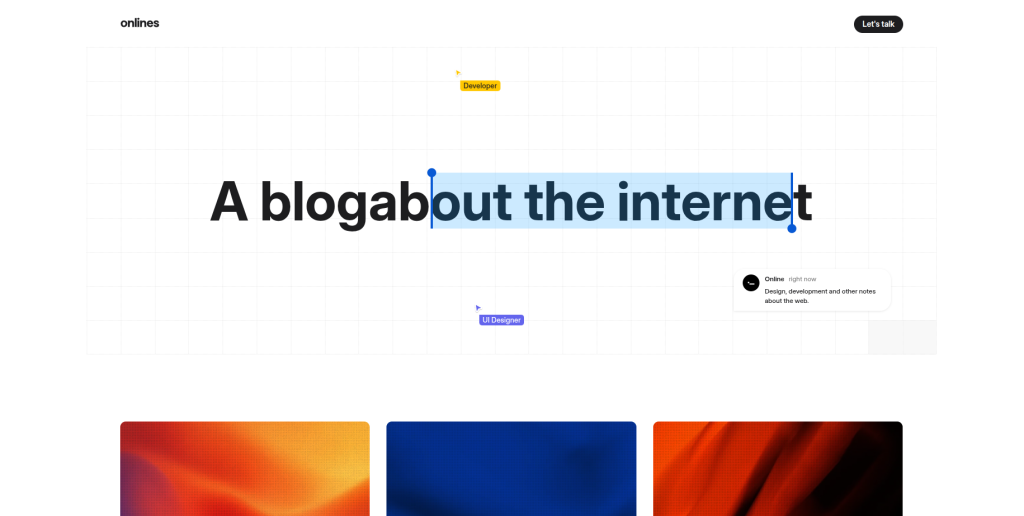
Onlines describes itself as a team building custom websites for companies, governments, and organizations. Its public offering includes UX/UI design, custom website development, infrastructure, security, support, and long-term digital services. The company also describes a collaborative approach where design and development work together throughout the project. This can be relevant if a migration is also being used to rethink the overall digital experience. Businesses should still verify Shopify commerce capabilities and Drupal Commerce data-migration experience before shortlisting Onlines specifically for this project.
- Custom development: Builds websites around individual client requirements.
- UX/UI design: Useful when the new storefront requires a new shopping experience.
- Technical services: Public offerings include infrastructure, security, and ongoing support.
- Experience to verify: Request Shopify ecommerce and Drupal Commerce migration examples.
- Best suited for: Businesses combining custom web redevelopment with an ecommerce platform change.
10. Dot Nine Solutions
Ecommerce Development Expertise for Stores With Custom Business Requirements
Dot Nine Solutions has a clear ecommerce and software-development focus. The company describes itself as a digital design agency specializing in ecommerce, web, and database-driven applications. It also promotes its own enterprise ecommerce platform and shows ecommerce projects among its public work. That background can be relevant when a migration requires understanding more than storefront design. Businesses considering Dot Nine Solutions should still ask for direct Drupal Commerce and Shopify migration examples because broader ecommerce development experience does not automatically prove experience with this exact platform combination.
- Ecommerce focus: Publicly specializes in ecommerce and web development.
- Database-driven development: Relevant when existing store information is complex.
- Software development: Useful for custom business and integration requirements.
- Experience to verify: Confirm direct Shopify migration and Drupal Commerce experience.
- Best suited for: Businesses with custom ecommerce and database-driven migration requirements.
What Needs to Move From Drupal Commerce to Shopify?
Every Drupal Commerce store is different.
Before you migrate anything, make a list of everything that currently matters to your customers and internal team.
This usually includes:
- Products
- SKUs
- Product variations
- Categories
- Product images
- Prices
- Inventory
- Customers
- Customer addresses
- Orders
- Discounts
- Coupons
- Content pages
- Blog content
- Product metadata
- SEO titles
- Meta descriptions
- URLs
- Redirect requirements
- Payment settings
- Shipping rules
- Tax configuration
- Analytics
- Marketing tracking
- Third-party integrations
Product variations deserve extra attention.
Drupal Commerce allows product types to contain custom fields and uses product variations to represent options such as different colors and sizes. That structure may not map one-to-one with the way the new Shopify store is organized.
The migration team should therefore create a field mapping document before importing large amounts of data.
How to Plan Drupal Commerce Product Migration to Shopify
Start with a complete export or inventory of the old store.
Do not start by building random Shopify pages.
First understand what exists.
Create a spreadsheet showing the current Drupal Commerce field, what it contains, where it will go in Shopify, whether transformation is needed, and how the migrated information will be tested.
Shopify explains that businesses can move data using different methods depending on their needs, including manual CSV migration, migration apps, and other approaches. It also notes that some information cannot simply be transferred through a basic manual CSV process. (Shopify migration options)
For a customized Drupal Commerce store, that means the cheapest migration method is not always the safest method.
Protect SEO During Drupal Commerce to Shopify Migration
SEO should be planned before the new Shopify store launches.
Not afterward.
Drupal and Shopify use different URL structures, which means many existing URLs may change.
If an old product page already ranks in Google, has backlinks, or receives regular traffic, simply deleting it can hurt both customers and organic search performance.
Shopify’s SEO migration guide for preserving organic traffic recommends taking a snapshot of the old site, mapping redirects, retaining important content and metadata, checking internal links, validating the new store, and monitoring it after migration.
Your SEO migration checklist should include:
- Crawl the Drupal Commerce site before migration
- Export all important URLs
- Identify organic landing pages
- Record existing title tags
- Record meta descriptions
- Map old URLs to new Shopify URLs
- Create permanent redirects where appropriate
- Update internal links
- Check canonical tags
- Check robots directives
- Review XML sitemaps
- Test structured data
- Verify analytics
- Check Google Search Console
- Monitor 404 errors after launch
Shopify also provides official guidance on creating and managing URL redirects in Shopify, which is worth reviewing before building the redirect map.
Do Not Forget Drupal Commerce Custom Features
This is where migrations often become complicated.
Drupal Commerce is designed to be customizable. Its current platform information highlights custom product data, checkout flows, promotions, integrations, APIs, search, multiple languages, multiple currencies, and other configurable features.
Your old store might use a custom Drupal module that has no direct Shopify equivalent.
Do not assume it can simply be “migrated.”
For every custom feature, decide whether you will:
- Use a native Shopify feature.
- Install an existing Shopify app.
- Build custom Shopify functionality.
- Change the business process.
- Remove the feature because it is no longer needed.
This exercise can actually make the new store simpler.
Migration is a good time to stop carrying old technical baggage that the business no longer needs.
Check Payment and Checkout Requirements
Payment workflows also need attention.
Drupal Commerce supports configurable checkout processes and payment gateway integrations. Its documentation shows that payment gateways and checkout behavior can vary based on how the store has been built.
Before moving, document:
- Payment methods
- Payment providers
- Checkout fields
- Customer account requirements
- Discount logic
- Shipping calculations
- Tax behavior
- Order notifications
- Fraud-prevention processes
- Subscription or recurring-payment requirements
Then decide how each requirement will work in Shopify.
Do not wait until launch week to discover that an important payment or shipping workflow works differently.
How to Choose a Drupal Commerce to Shopify Migration Company
Choosing a company is easier when every vendor answers the same questions.
Start by showing them your current store.
Then ask them to explain how they would migrate it.
Ask About Drupal Commerce Experience
Knowing Shopify alone is not enough.
The team needs to understand the source platform or be able to analyze it properly.
Ask:
- Have you worked with Drupal Commerce?
- Which versions?
- Have you migrated customized Drupal Commerce stores?
- How will you extract our data?
- How will you handle custom Drupal fields?
- How will product variations map into Shopify?
Ask About Shopify Development
Next, check the destination-platform skills.
Ask about:
- Shopify theme development
- Shopify product setup
- Collections
- Metafields
- Apps
- Checkout requirements
- Payment setup
- Shipping
- Tax configuration
- Analytics
- Custom integrations
Ask for a Test Migration
Never make the live store your first test.
A test migration gives both sides a chance to identify mapping problems before launch.
Check sample products, variants, customers, images, content, and orders.
Then compare the results against Drupal Commerce.
Ask About SEO Migration
A migration proposal should explain SEO.
Look for:
- URL inventory
- One-to-one redirect mapping where appropriate
- Metadata transfer
- Internal-link updates
- Sitemap checks
- Canonical checks
- Structured-data testing
- Google Search Console monitoring
- 404 monitoring
Shopify’s current migration guidance specifically warns about issues such as missing redirects, unnecessary content changes, lost title tags, and changes to internal-link structures.
Ask About Post-Launch Support
Launch day is not the end.
Real customers often find issues that test teams miss.
Your migration company should explain:
- Who monitors launch
- How bugs are reported
- How quickly critical problems are handled
- How long migration support lasts
- Who checks redirects
- Who checks analytics
- Who monitors checkout
- Who checks integrations
Drupal Commerce to Shopify Migration Checklist
Before approving the final launch, check the following:
Data
Products, variants, customers, orders, images, prices, SKUs, inventory, and important content have been checked.
Design
Homepage, collections, product pages, content pages, navigation, cart, and mobile layouts work correctly.
Checkout
Add-to-cart, checkout, payment, tax, shipping, discounts, emails, and order creation have been tested.
SEO
Old URLs are mapped, redirects work, metadata is present, internal links point to new pages, and important pages are indexable.
Tracking
Google Analytics, advertising pixels, ecommerce events, consent tools, and other tracking systems are working.
Integrations
ERP, CRM, email marketing, inventory, fulfillment, customer support, reviews, and other systems are connected correctly.
Performance
Important pages load properly on both desktop and mobile devices.
Launch
Backups and exports are available, DNS changes are planned, the launch team is ready, and post-launch monitoring responsibilities are clear.
Shopify recommends immediate post-launch QA covering important customer flows such as add-to-cart, checkout, payments, forms, redirects, analytics, crawlability, canonical tags, images, structured data, and performance.
Final Thoughts
A Drupal Commerce to Shopify Migration can make your ecommerce operation easier to manage, but only when the move is properly planned.
The biggest mistake is treating migration as a simple product import.
Your Drupal Commerce store may contain years of product information, customer records, order history, SEO value, integrations, custom modules, content, and business rules.
All of that needs to be understood before Shopify becomes the new home.
When comparing Drupal Commerce to Shopify migration companies, look beyond design portfolios. Ask how each company will handle data, custom functionality, integrations, SEO, redirects, testing, launch, and support.
CartUnited and EbizON can be evaluated for broader migration and development requirements. The other eight companies in this list bring different strengths in areas such as ecommerce, web development, data integrations, software engineering, UX, SEO, and digital strategy.
For companies where direct Drupal Commerce to Shopify work is not publicly documented, ask for proof before signing a contract.
A clear migration plan is more valuable than a long list of promises.
FAQs About Drupal Commerce to Shopify Migration
1. What is Drupal Commerce to Shopify Migration?
Drupal Commerce to Shopify Migration is the process of moving an ecommerce store from Drupal Commerce to Shopify. It can include products, variations, customers, orders, images, content, URLs, SEO information, and integrations. Custom Drupal functionality may need to be rebuilt or replaced rather than directly transferred.
2. Can I migrate Drupal Commerce products to Shopify?
Yes. Product data can generally be moved to Shopify, but the migration method depends on how your Drupal Commerce products are structured. Custom fields, variations, images, categories, and other information may need to be transformed before import.
3. Can Drupal Commerce product variations be moved to Shopify?
Product variations can be migrated, but they need careful mapping. Drupal Commerce supports product types, custom fields, and variations, while Shopify has its own product and variant structure. Complex catalogs should be tested before the final migration.
4. Can customer and order data be migrated to Shopify?
Some customer and order information can be moved, but the exact process depends on your store, Shopify setup, migration method, and data structure. Shopify notes that migration methods differ and that a basic CSV approach does not move every type of information.
5. Will Drupal Commerce to Shopify migration affect SEO?
It can. Shopify explains that platform migrations can temporarily affect organic traffic, particularly when URLs and other SEO elements change. Proper URL mapping, redirects, metadata retention, internal-link updates, testing, and post-launch monitoring can reduce migration risk.
6. Do I need 301 redirects when moving from Drupal Commerce to Shopify?
You will normally need redirects when old Drupal URLs change and equivalent Shopify pages exist. Shopify supports URL redirects so visitors reaching old URLs can be sent to relevant new pages.
7. How long does Drupal Commerce to Shopify Migration take?
The timeline depends on the store. A small standard catalog may be much easier than a large store with custom modules, integrations, multiple languages, thousands of products, and years of customer and order information. A technical audit should happen before a reliable timeline is agreed.
8. Can custom Drupal Commerce features be moved to Shopify?
Not always directly. A custom Drupal module may need to be replaced by Shopify functionality, a Shopify app, a custom integration, or a new business process. The migration team should create a feature inventory before development starts.
9. What should I test after moving from Drupal Commerce to Shopify?
Test products, variants, collections, search, navigation, customer accounts, cart, checkout, payments, shipping, taxes, discounts, forms, emails, redirects, analytics, integrations, mobile layouts, images, structured data, and important SEO pages. Shopify recommends immediate QA and validation after migration.
10. How should I choose a Drupal Commerce to Shopify migration company?
Look for relevant Drupal Commerce knowledge, Shopify development skills, data-migration planning, integration experience, SEO migration processes, staging and QA, clear project ownership, and post-launch support. Ask each company to explain how it would handle your actual store and request relevant project examples before making a decision.