
 Top 10 Summer Cart To Shopify Migration Companies for a Safe Store Move in 2026
Summer Cart can help businesses run an online store with products, inventory, payments, shipping, orders, and other ecommerce features. But your business needs can change as your store grows.
You may want easier store management, more apps, better design options, simpler integrations, stronger marketing tools, and a platform that can grow with your business.
That is where Summer Cart To Shopify Migration becomes worth considering.
Moving an online store is not as simple as copying products from one website to another. Your products, categories, variants, images, customers, historical orders, URLs, content, integrations, payment settings, and SEO value may all need attention.
Shopify’s official guide for migrating an ecommerce store to Shopify recommends reviewing the existing store first, deciding which data should move, importing the information, checking products, configuring shipping and taxes, setting up payments, testing orders, connecting the domain, and handling SEO.
Choosing the right migration company can make this process much easier.
Below are 10 Summer Cart To Shopify Migration Companies to consider in 2026, including migration-focused options and broader web, ecommerce, data, and development providers.
One important point before we begin: not every company on this list publicly presents itself as a dedicated Summer Cart migration specialist. For those companies, you should verify direct Summer Cart and Shopify migration experience before signing a contract.
Best Summer Cart To Shopify Migration Companies in 2026
The 10 companies covered in this guide are:
- CartUnited
- EbizON Digital
- RL System Designer
- Marek Melichar
- Essence Net
- Jonathon Mills
- ComputerSoft
- Digital Care Agency
- Cathexis Partners
- Parabellus Digital
Rather than choosing only by price, compare each provider based on your store size, migration complexity, Shopify requirements, integrations, SEO needs, and post-launch support.
What Should a Summer Cart to Shopify Migration Include?
Before comparing companies, it helps to understand what actually needs to move.
Summer Cart is more than a collection of product pages. Its ecommerce environment can include products, inventory, orders, payments, shipping transactions, a product catalog, and CMS functionality.
That means a proper migration may involve:
- Products and product descriptions
- Product categories
- SKUs and variants
- Product images
- Prices and inventory
- Customer information
- Historical orders
- Content pages
- Existing URLs
- SEO metadata
- Payment configuration
- Shipping setup
- Tax settings
- Analytics and tracking
- Custom functionality
- Third-party integrations
Shopify explains that migration methods can vary depending on the type and amount of data. Options can include CSV files, migration apps, APIs, custom migration solutions, and help from a Shopify Partner.
Shopify also recommends importing products before customers and historical orders when those records need to remain properly connected.
This is why migration planning matters.
1. CartUnited
Migration-Focused Support for Moving Summer Cart Stores to Shopify
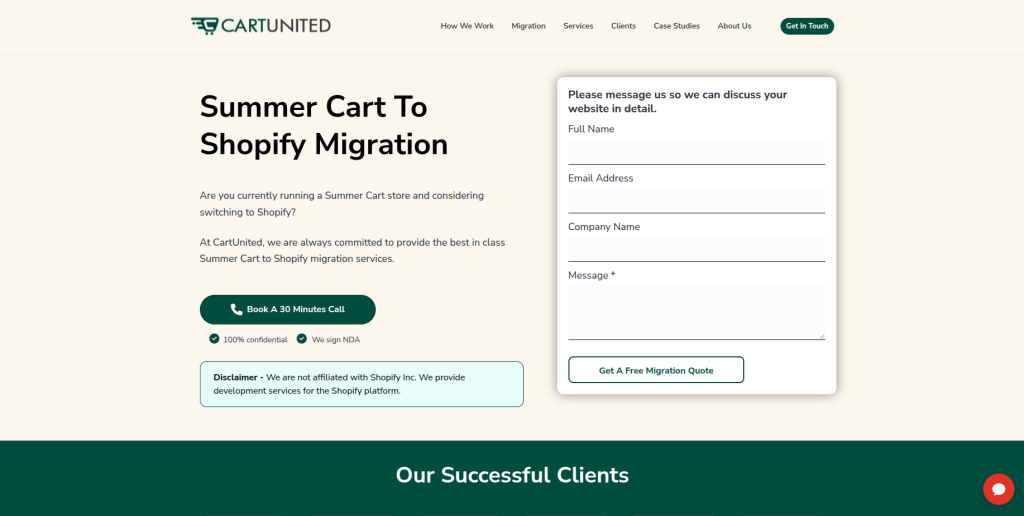
CartUnited is a strong option to consider when the main goal is moving an existing ecommerce store from Summer Cart to Shopify. A migration-focused project should look beyond products and include categories, variants, images, customer information, historical data, URLs, SEO elements, and important store functions. The new Shopify store also needs to be checked carefully before customers start using it. This approach can help businesses avoid treating migration as a basic copy-and-paste project. It is especially relevant for store owners who want migration planning and Shopify setup handled as one project.
For businesses that want a focused path from an older ecommerce platform to Shopify, CartUnited provides a complete Summer Cart to Shopify migration service for growing online stores.
- Migration planning: Useful for businesses that want the complete store move planned before data transfer begins.
- Store data handling: Products, categories, images, customers, orders, and other required information should be mapped carefully.
- Shopify setup: The destination store can be prepared around the business’s catalog, checkout, shipping, and operational needs.
- SEO protection: Important Summer Cart URLs, metadata, internal links, and redirects should be included in the migration checklist.
- Best suited for: Businesses looking for a Summer Cart to Shopify migration partner with a focused migration approach.
2. EbizON Digital
Summer Cart Migration With Custom Shopify Development and Integration Support
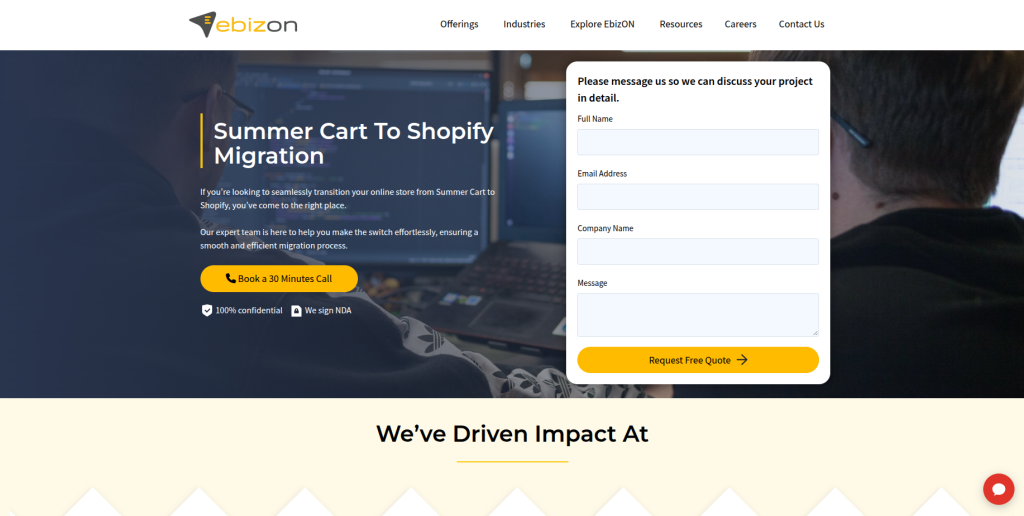
EbizON Digital is worth considering when a Summer Cart migration involves more than moving store records. Some businesses use migration as a chance to improve their design, customer experience, integrations, checkout flow, and store functionality. Custom features in the existing Summer Cart website may also need to be recreated differently in Shopify. This makes broader Shopify development skills useful when the destination store has more complex requirements. The migration scope should clearly separate what needs to move, what needs to be rebuilt, and what can be improved.
- End-to-end migration: Suitable when Summer Cart data migration and Shopify development need to be handled together.
- Custom development: Useful when important existing functionality needs a Shopify-friendly replacement.
- Integration planning: Relevant for businesses connecting the store with external business or marketing systems.
- Store improvement: Migration can also be used to improve navigation, product pages, mobile usability, and checkout.
- Best suited for: Growing businesses with custom Summer Cart to Shopify migration and development requirements.
If your existing store includes custom features or integrations that need more than a standard transfer, explore EbizON’s Summer Cart to Shopify migration support for stores with custom development needs.
3. RL System Designer
A Technical Development Option to Assess for Custom Ecommerce Migration

RL System Designer is another company from the shortlist that businesses can assess for a Summer Cart migration project. The important step is to verify direct experience with both the source platform and Shopify before moving forward. A developer working on this type of project should be comfortable reviewing the existing store structure, identifying custom features, and creating a clear destination plan. Ask how products, customers, URLs, images, and custom functionality would be handled. A technical discovery session before pricing can help reveal whether the company is the right fit.
- Technical discovery: Ask for a review of the current Summer Cart setup before finalizing the migration scope.
- Data mapping: Confirm how existing store information would map into Shopify.
- Custom features: Identify Summer Cart functionality that may need to be rebuilt or replaced.
- Experience to verify: Request direct Shopify migration examples and Summer Cart experience where available.
- Best suited for: Businesses willing to validate technical ecommerce migration capabilities before selecting a provider.
4. Marek Melichar
A Developer-Led Option for Store Design and Ecommerce Development Support
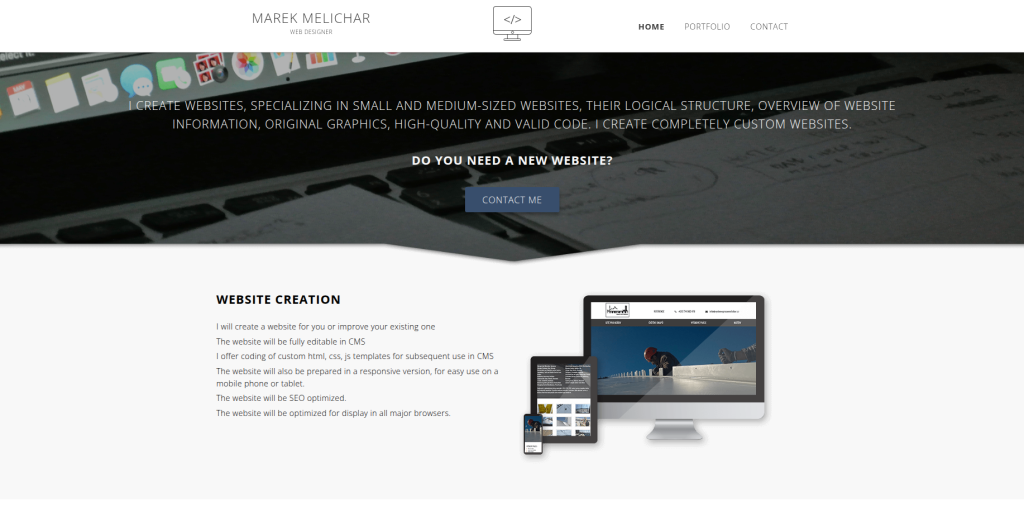
Marek Melichar can be evaluated by businesses that prefer working with a smaller, developer-led setup. Publicly available information around his work includes web design, UI design, ecommerce solutions, CMS implementation, custom solutions, and SEO. For a Summer Cart migration, however, broader ecommerce skills should not automatically be treated as proof of Shopify or Summer Cart migration expertise. Businesses should ask how the existing database and catalog would be handled and who would manage Shopify-specific development. This option may be more relevant when direct communication and hands-on development are priorities.
- Web development: Relevant when the migration includes frontend or website development work.
- Ecommerce understanding: Useful for projects that combine migration with improvements to the shopping experience.
- Design capability: Worth considering when the new store also needs a visual refresh.
- Experience to verify: Ask specifically for Shopify and Summer Cart migration examples.
- Best suited for: Smaller businesses considering a developer-led ecommerce migration and redesign project.
5. Essence Net
A Web Development Provider to Evaluate for a Planned Shopify Store Move
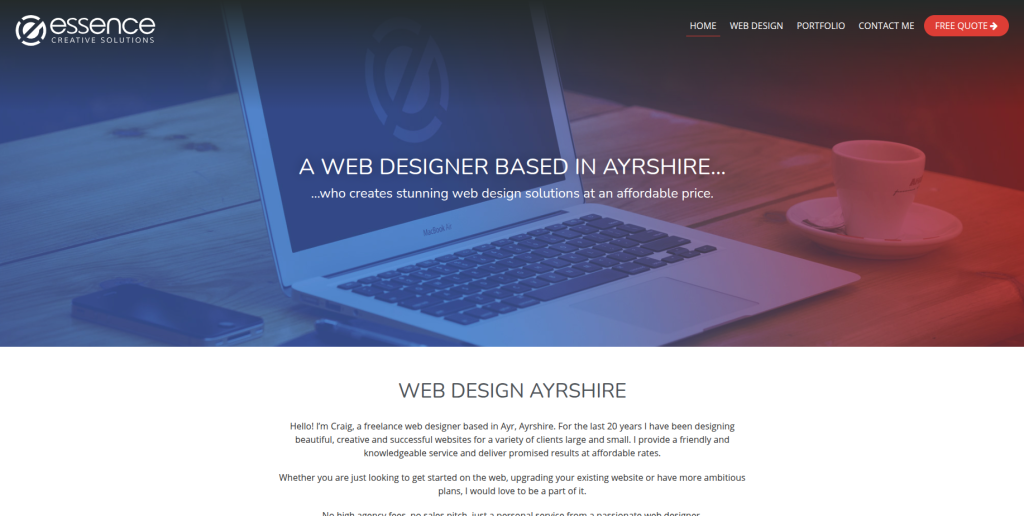
Essence Net is another provider from the requested shortlist that should be assessed against a clear migration checklist. Before hiring any web company for a Summer Cart move, ask it to explain exactly how the existing catalog, customer information, URLs, images, and store functionality will be transferred or recreated. Shopify migration experience matters because the destination platform has its own product structure, URLs, themes, apps, and checkout environment. SEO planning should also be discussed before development starts. Direct Summer Cart examples should be requested as part of the qualification process.
- Migration discovery: Start with an audit of the existing store and its important functionality.
- Shopify capability: Confirm recent Shopify development and migration work.
- Data handling: Ask for a written plan covering products, customers, images, and historical information.
- Experience to verify: Look for direct Summer Cart or comparable legacy-cart migration examples.
- Best suited for: Businesses comparing web development providers for a planned Shopify migration project.
6. Jonathon Mills
Hands-On Web Development for Stores With Custom Integration Requirements

Jonathon Mills publicly describes work involving responsive web development, ecommerce solutions, and API integration. API knowledge can be useful when an ecommerce store communicates with other software or when information needs to move between different systems. For a Summer Cart to Shopify project, businesses should still verify direct Shopify migration experience and determine whether the complete migration can be managed by one provider. Ask who will own data migration, Shopify configuration, SEO redirects, QA, and launch support. This option may appeal to businesses looking for hands-on technical involvement.
- Ecommerce development: Relevant when the new Shopify store needs technical development work.
- API integration: Useful when existing business systems need to communicate with the new ecommerce setup.
- Responsive development: Important for creating a consistent experience across desktop, tablet, and mobile.
- Experience to verify: Confirm Shopify migration experience and familiarity with Summer Cart data.
- Best suited for: Businesses with custom ecommerce integration requirements during a Shopify migration.
7. ComputerSoft
Ecommerce Development Support for Stores With Broader Technical Requirements
ComputerSoft publicly describes experience creating websites and online stores and working with ecommerce and CMS systems. The company also discusses integrations and building stores for B2B and B2C requirements. That broader ecommerce background can be useful when migration involves more than moving product records. However, direct Summer Cart to Shopify experience should still be confirmed before hiring. Ask the team to show how it would handle Shopify-specific data mapping, URL changes, redirects, testing, and launch.
- Online store development: Relevant for businesses that need ecommerce development alongside migration.
- Integration experience: Useful when the current store connects with external systems.
- B2B and B2C requirements: Worth exploring for businesses with more involved customer or commerce workflows.
- Experience to verify: Ask for direct Shopify migration work and Summer Cart familiarity.
- Best suited for: Businesses considering ecommerce development plus technical store migration support.
8. Digital Care Agency
Shopify Development Support for Migration, Store Design, and SEO
Digital Care Agency publicly lists Shopify development as a core service and describes work covering Shopify stores, theme customization, product setup, payments, shipping, subscriptions, and ongoing optimization. It also offers SEO services, which can be relevant when an established Summer Cart store already receives organic traffic. The main question is whether the team has direct experience extracting and migrating data from Summer Cart. Ask for comparable migration examples rather than relying only on general Shopify development work. This can help separate new-store experience from true platform migration experience.
- Shopify development: Publicly lists Shopify store development among its core capabilities.
- Store configuration: Relevant for product setup, themes, payments, shipping, and other Shopify requirements.
- SEO support: Useful when organic search protection needs to be considered during the move.
- Experience to verify: Ask for direct Summer Cart migration or similar legacy-platform migration projects.
- Best suited for: Businesses seeking Shopify development and SEO support around an ecommerce migration.
9. Cathexis Partners
Data Migration and Integration Expertise for Complex Digital Projects
Cathexis Partners has publicly documented experience with data migration, integrations, databases, website development, and technology implementation, with a strong focus on nonprofit organizations. Those data and integration skills can be useful in technically complex migration projects. However, its public positioning is not centered on Summer Cart to Shopify ecommerce migrations. Businesses considering the company should therefore confirm whether Shopify development and Summer Cart data migration fall within its current capabilities. Its background may be more relevant when data quality and connected systems are major parts of the project.
- Data migration: Publicly lists data cleanup and migration among its services.
- System integrations: Relevant when information must move between several connected systems.
- Database experience: Useful when legacy data needs careful review before migration.
- Experience to verify: Confirm direct Shopify ecommerce and Summer Cart migration capability.
- Best suited for: Organizations with data-heavy migration and integration requirements that match the provider’s expertise.
10. Parabellus Digital
Custom Ecommerce Development for Stores Requiring Flexible Technical Work
Parabellus Digital publicly describes ecommerce solutions, web development, database solutions, plugins, apps, and full-stack development capabilities. This type of technical background can be useful when a Summer Cart store contains custom functionality that cannot simply be copied into Shopify. The key question is how much direct Shopify migration experience the provider has today. Businesses should ask for recent relevant work and a clear migration methodology. Testing, data validation, SEO redirects, and post-launch responsibilities should all be agreed before the project starts.
- Ecommerce development: Relevant for businesses that need custom technical work around their online store.
- Full-stack capability: Useful when the project extends beyond basic frontend changes.
- Database solutions: Potentially relevant when existing store data needs technical handling.
- Experience to verify: Request recent Shopify migration examples and direct Summer Cart experience.
- Best suited for: Businesses assessing custom ecommerce development for a technically involved store migration.
How to Choose a Summer Cart to Shopify Migration Company
The right migration company depends on your existing store.
A small Summer Cart website with 100 simple products is very different from a store with 20,000 SKUs, years of customer records, multiple currencies, custom shipping rules, external integrations, and thousands of organic landing pages.
Start by giving every shortlisted company the same requirements.
1. Ask About Summer Cart Experience
Do not stop at asking, “Do you work with ecommerce?”
Ask whether the company has actually worked with Summer Cart or another comparable legacy ecommerce platform.
A team should be able to explain how it will access and understand your existing data.
Ask about:
- Products
- Categories
- Variants
- Images
- Customers
- Orders
- Content
- Custom fields
- Existing integrations
- URLs
If the company has never worked with Summer Cart, that does not automatically mean it cannot handle the project. But it should explain how it will investigate the platform and reduce migration risk.
2. Get a Complete Data Migration Plan
Create a list of everything you expect to appear in Shopify.
Do not assume that “store migration” means everything.
Shopify’s official ecommerce migration checklist specifically reminds merchants to think about store data, assets, redirects, blog content, and other migration tasks.
Your plan may include:
- Product names
- SKUs
- Descriptions
- Prices
- Inventory
- Images
- Categories
- Variants
- Customers
- Historical orders
- Pages
- Blog content
- Discounts
- Metadata
Mark every item as migrate, rebuild, replace, archive, or not needed.
That simple step can prevent confusion later.
3. Protect Your SEO During Migration
SEO should be discussed before the new Shopify store launches.
Your Summer Cart URLs may not match Shopify’s URL structure. If valuable pages disappear without appropriate redirects, customers and search engines can land on errors.
Google’s official site migration guide for websites with URL changes recommends preparing and testing the new site, mapping old URLs to their new destinations, setting up permanent redirects, updating internal links, submitting the new sitemap, and monitoring the move in Search Console.
Before migration, create a URL inventory containing:
- Product URLs
- Category URLs
- High-traffic pages
- Pages receiving backlinks
- Blog URLs
- Important landing pages
Then decide where each old page should lead on Shopify.
Do not simply redirect every old page to the homepage.
4. Check How Products Will Be Imported
Product migration needs careful testing.
Shopify allows product information to be imported using CSV files, but the file needs to follow Shopify’s required format. Shopify also recommends backing up product information and testing a smaller set first for large-scale imports.
You can review Shopify’s product CSV import guidance for ecommerce migrations before discussing the process with your migration company.
After a test import, check:
- Product titles
- Descriptions
- Prices
- SKUs
- Variants
- Images
- Inventory
- Product handles
- Collections
- SEO fields
A successful import message does not mean every product is correct.
5. Test the Entire Shopify Buying Journey
Customers do not care whether your database migration script worked.
They care whether they can buy.
Before launch, test the store like a customer.
Search for a product. Open a collection. Choose a variant. Add it to the cart. Apply a discount. Calculate shipping. Complete checkout. Check the payment. Review the confirmation email.
Also test:
- Desktop
- Mobile
- Search
- Navigation
- Customer accounts
- Contact forms
- Payment gateways
- Shipping rates
- Taxes
- Discounts
- Transaction emails
- Analytics
- Advertising tracking
Shopify’s migration process specifically includes placing test orders before launch.
6. Ask About Shopify Apps and Custom Features
Do not assume that every Summer Cart feature will have a direct Shopify equivalent.
Create a list of custom functionality in your current store.
For each feature, decide whether Shopify can handle it through:
- Shopify’s native functionality
- A Shopify app
- Theme customization
- Custom development
- An external integration
This is especially important for unusual pricing rules, B2B workflows, product customization, subscriptions, special shipping logic, or connections with other business systems.
7. Check Post-Launch Support
A migration is not finished the moment the domain points to Shopify.
The first few days after launch are important.
Your migration company should help monitor:
- Broken redirects
- Missing images
- Product errors
- Inventory issues
- Checkout problems
- Payment failures
- Shipping errors
- Mobile display problems
- Tracking issues
- Search Console errors
- App conflicts
Agree on the post-launch support period before the project starts.
Summer Cart to Shopify Migration Checklist
Here is a simple checklist you can use when speaking with migration companies.
Before Migration
- Back up the existing Summer Cart store.
- Export important store data.
- Record product and category counts.
- Crawl important existing URLs.
- Identify high-traffic SEO pages.
- Document integrations.
- List custom functionality.
- Create the Shopify store.
- Decide what should move and what should be removed.
During Migration
- Import products.
- Check variants and SKUs.
- Transfer required customer data.
- Handle historical orders where required.
- Move images and content.
- Configure collections.
- Set up Shopify navigation.
- Configure payments.
- Configure shipping.
- Configure taxes.
- Set up required apps.
- Rebuild necessary custom features.
- Prepare redirects.
Before Launch
- Test products.
- Test inventory.
- Test customer journeys.
- Test checkout.
- Test payments.
- Test shipping.
- Test mobile layouts.
- Test forms.
- Test analytics.
- Test redirects.
- Review metadata.
- Check indexability.
- Review the sitemap.
After Launch
- Monitor Search Console.
- Check analytics.
- Review 404 errors.
- Check important redirects.
- Monitor orders.
- Review payment errors.
- Check mobile usability.
- Monitor organic traffic.
- Fix migration bugs quickly.
Why SEO Planning Matters During Summer Cart to Shopify Migration
One of the biggest migration mistakes is focusing only on data.
Products can migrate perfectly while organic traffic falls because URLs were not handled correctly.
Google explains that when URLs change during a site move, businesses should create an old-to-new URL mapping and use appropriate permanent redirects. Google also recommends monitoring the move through Search Console after launch.
Shopify provides its own URL redirect functionality and recommends setting redirects for important pages when moving from another ecommerce platform.
This means SEO migration should be part of the project from day one.
Your migration company should know which pages currently receive traffic, which pages have backlinks, which URLs are indexed, and where those URLs will go after migration.
Is Shopify a Good Replacement for Summer Cart?
Shopify can be a useful choice for businesses that want a hosted ecommerce platform with store management, themes, apps, payment options, shipping configuration, and a large ecommerce ecosystem.
But switching platforms should solve a real business need.
Summer Cart itself supports ecommerce functions such as product catalogs, shopping carts, inventory updates, billing, shipping transactions, and CMS features. A business should therefore compare its current needs with what Shopify will provide rather than migrating simply because Shopify is more widely known.
A move may make sense when you need:
- Easier store management
- A different app ecosystem
- Modern themes
- Better integration options
- Easier access to Shopify developers
- More flexible marketing tools
- Improved mobile experience
- A different approach to store operations
- Better support for future growth
The business case should come first. The platform should come second.
Questions to Ask Before Hiring a Migration Company
Before choosing a provider, ask:
- Have you migrated a Summer Cart store before?
- What Summer Cart data can you migrate?
- How will you move product variants and images?
- Can historical orders be migrated?
- How will customer information be handled?
- What happens to our existing URLs?
- Will you create the redirect map?
- How will you protect SEO?
- Will there be a test migration?
- How will custom Summer Cart functionality be handled?
- Who will configure Shopify payments and shipping?
- How will integrations be rebuilt?
- What testing is included?
- Who handles launch day?
- How much post-launch support is included?
A company that gives clear answers is easier to evaluate than one that simply promises a “seamless migration.”
FAQs About Summer Cart To Shopify Migration
1. What is Summer Cart To Shopify Migration?
Summer Cart To Shopify Migration is the process of moving an ecommerce store from Summer Cart to Shopify. Depending on the store, this may include products, categories, variants, images, customers, historical orders, content, URLs, SEO information, and integrations. The Shopify store also needs to be configured and tested before launch.
2. What data can be migrated from Summer Cart to Shopify?
Common data can include products, SKUs, descriptions, prices, images, variants, customers, categories, inventory, and some historical information. What can be transferred depends on the existing Summer Cart setup and the migration method. Custom information may need special mapping or development.
3. Can Summer Cart product data be imported into Shopify?
Yes, product data from another platform can be prepared for Shopify import. Shopify supports specially formatted CSV files for bulk product imports. The source data must first be mapped into Shopify’s required structure, and larger migrations should be tested before the full import.
4. Can I migrate from Summer Cart to Shopify without losing SEO?
A migration can be planned to reduce SEO risk, but no provider should promise that rankings will never move. Important URLs should be mapped, redirects should be created where URLs change, metadata should be reviewed, internal links should be updated, and Search Console should be monitored after launch.
5. Do I need 301 redirects when moving from Summer Cart to Shopify?
You will normally need redirects when important Summer Cart URLs change. Google recommends permanent server-side redirects such as 301 or 308 redirects for permanent site moves where technically possible. Shopify also provides URL redirect functionality for merchants moving from another platform.
6. How long does Summer Cart to Shopify migration take?
The timeline depends on the store. Product count, variants, customer records, historical orders, custom functionality, integrations, design work, SEO requirements, and testing can all affect the schedule. A provider should inspect the existing store before giving a firm timeline.
7. Can customer and order information be migrated to Shopify?
Shopify supports migration methods for customer information and historical orders, but the exact process depends on the source data and migration method. Shopify’s migration guidance notes that the order of data imports matters when products, customers, and historical orders need to remain connected.
8. Should I redesign my store during the migration?
You can, but it increases the project scope. A redesign may make sense when the Summer Cart website is outdated or difficult to use. If reducing migration risk is the main goal, you can also launch a simpler Shopify version first and make larger design improvements afterward.
9. What should I test before launching the Shopify store?
Test products, variants, images, inventory, collections, navigation, customer accounts, checkout, payments, shipping, taxes, discounts, emails, forms, mobile pages, analytics, advertising tracking, integrations, redirects, and important SEO pages. Test real buying journeys rather than checking pages individually.
10. How do I choose a Summer Cart to Shopify migration company?
Start with direct migration experience and technical fit. Ask for comparable ecommerce migration examples, a data-mapping plan, SEO and redirect strategy, Shopify development experience, testing process, launch plan, and post-launch support. For companies without publicly documented Summer Cart experience, verify that experience directly before hiring.
Conclusion
Moving from Summer Cart to Shopify can give your business a different ecommerce foundation and an opportunity to improve how your store is managed.
But the move should be planned carefully.
Products are only one part of the migration. Customers, orders, images, URLs, SEO signals, payments, shipping, content, integrations, custom functionality, analytics, and the complete buying journey may also need attention.
Shopify’s own migration guidance recommends reviewing the old store, deciding what should move, importing and verifying data, configuring the new store, testing orders, connecting the domain, and setting up SEO.
Google also recommends careful URL mapping, redirects, testing, and monitoring when URLs change during a site move.
Use those principles when comparing the Top 10 Summer Cart To Shopify Migration Companies in this guide.
For a migration-focused project, start by evaluating CartUnited against your complete store requirements. If your project also needs broader Shopify development, integrations, or custom functionality, compare EbizON Digital and the other providers against the same written migration checklist.
For the remaining companies, ask for evidence of recent Shopify work and direct Summer Cart or comparable legacy-platform migration experience before making a decision.
The right partner should be able to explain not only how your data will move, but also how your store will continue working when the migration is complete.